We’ve all been there. You want to select a good chunk of text on a website, only to realise you can’t since the text has been embedded.
Cry no more, here’s naphta to the rescue.
“Project Naptha automatically applies state-of-the-art computer vision algorithms on every image you see while browsing the web. The result is a seamless and intuitive experience, where you can highlight as well as copy and paste and even edit and translate the text formerly trapped within an image.”
… So its extension description says. Once you have it installed, you forget about it, until you do need it. To be honest, it’s not 100% accurate, I got a “Bilch Dlease” when I tried a popular meme.
Still, it’s cool enough. You can look up stuff in google, or play with the multi-language feature.
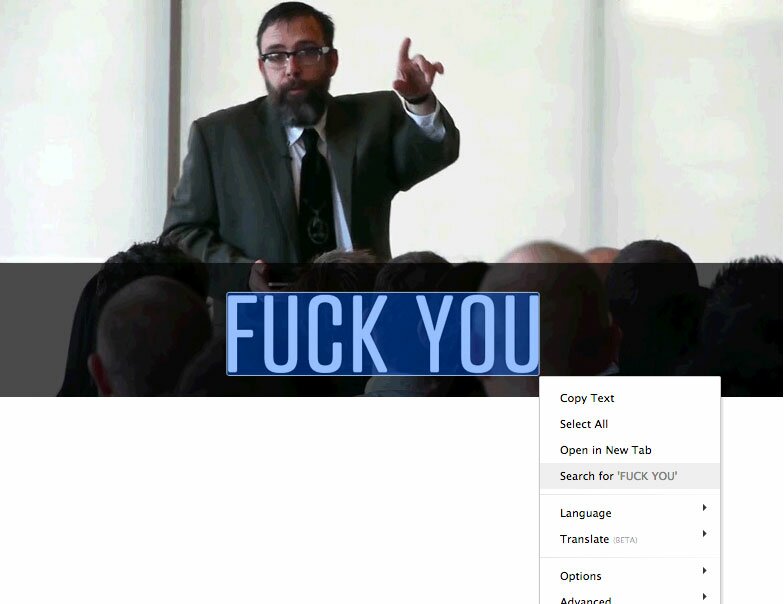
Cool attempt above, full demo over at http://projectnaptha.com/
Nifty I told you.

My name is Flo Preynat and I am the freelance webdesigner and developer behind shoogle designs. I live in France and specialize in responsive web design. Give me a shoogle or get in touch with me on twitter.
Follow @shoogledesigns